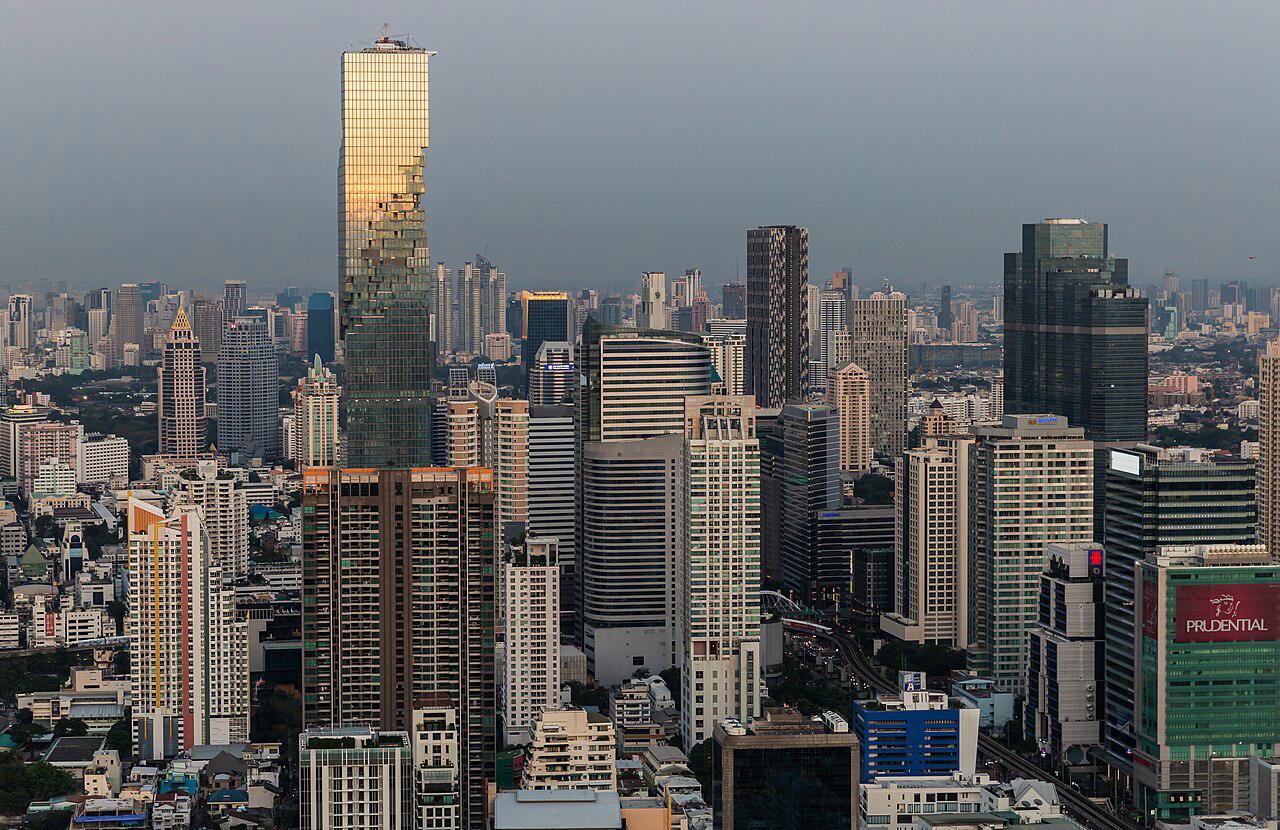
 Travelmaxxing
Photo: Ninara from Helsinki, Finland, CC BY 2.0

Thailand eSIM
Online the moment you land in Thailand. Two quick questions, one tap to pay, and it installs in one more.
- Apple Pay, Google Pay, card and more
- One-tap install
- Full refund if we can't issue it
- TrueMove H5G
- DTAC5G
- AIS5G
- True Move4G
Rather text? Text ESIM THAILAND to +1 (424) 346-0888 and your NUM concierge sorts it.
Will it work on my phone?
The five-second test: open the phone app and dial *#06#. If you see an EID number, your phone has eSIM.
iPhone: every iPhone from the XR and XS (2018) on has eSIM, and the SE from 2020. Most iPhones sold in mainland China do not.
It must be unlocked too: Settings > General > About > Carrier Lock should say "No SIM restrictions".
Android: Google Pixel 3 and later. Samsung Galaxy S20 and later (not US S20 models), Note 20, and every Z Fold and Z Flip. Many recent Motorola, OPPO, Xiaomi and other phones too.
It must be unlocked too: a phone from a carrier contract may be locked to it. Your carrier can tell you.
Still not sure? Text PHONE and your model to +1 (424) 346-0888 and we will check it.
Thailand eSIM for 7, 14 or 30 days
Our pick for each trip length, for maps, messages, social and some calls. Pick yours in the box above.
- 7 days in Thailand
3 GB · 15 days$4.29 - 14 days in Thailand
5 GB · 30 days$5.59 - 30 days in Thailand
10 GB · 30 days$7.69 - 45+ days in Thailand
20 GB · 90 days$34.19
How it works
Pick your trip
Choose 7, 14 or 30 days and how you use your phone. NUM picks the plan.
Pay in seconds
Apple Pay, Google Pay or a card. Then open NUM and join free: your install code is waiting in your chat.
Install, then land online
One tap to install at home on wifi. Switch it on as the plane lands.
Thailand eSIM price per GB
How much data do you need?
| How you use it | 7 days | 14 days | 30 days |
|---|---|---|---|
| Maps and messages | 1.4 GB | 2.8 GB | 6 GB |
| Plus social | 2.8 GB | 5.6 GB | 12 GB |
| Lots of video | 11 GB | 21 GB | 45 GB |
Travelling with an eSIM
- Install the eSIM at home on wifi before you fly, then switch it on when you land.
- Keep your home SIM on for calls and bank codes, and turn its roaming off so your own carrier does not charge you.
- When you land, choose the NUM eSIM for mobile data and switch Data Roaming on for that line only.
- Download offline maps of where you are staying before you go, in case you land somewhere with weak signal.
- Hotspot works on most plans, so one eSIM can get a laptop or a travel partner online too.
- Running low? Add data to the same eSIM from your order page. There is nothing new to install.
Travelmaxxing tips for Thailand
- Grab and Bolt are the easy way to get rides and food delivered; you will want data for both.
- Cover shoulders and knees when you visit temples and the Grand Palace in Bangkok.
- Sockets take most plug types at 220V, but a universal adapter saves guessing.
- 7-Eleven and FamilyMart are everywhere for water, snacks, SIM top-ups and quick cash.
Airports in Thailand
- Bangkok (BKK)
- Chiang Rai (CEI)
- Chiang Mai (CNX)
- Bangkok (DMK)
- Hat Yai (HDY)
- Phuket (HKT)
- Krabi (KBV)
- Samui International Airport (USM)
- Udon Thani (UTH)
- Rayong (UTP)
- Buriram (BFV)
- Chumphon (CJM)
- Mae Hong Son (HGN)
- Hua Hin (HHQ)
- Khon Kaen (KKC)
- Nakhon Phanom (KOP)
- Loei Airport (LOE)
- Lampang Airport (LPT)
- Mae Sot Airport (MAQ)
- Narathiwat Airport (NAW)
- Nan Airport (NNT)
- Nakhon Si Thammarat (NST)
- Phitsanulok (PHS)
- Phetchabun Airport (PHY)
- Surin (PXR)
- Roi Et (ROI)
- Sakon Nakhon Airport (SNO)
- Laem Ngop (TDX)
- Sukhothai Airport (THS)
- Trang (TST)
- Ubon Ratchathani (UBP)
- Ranong (UNN)
- Surat Thani (URT)
Works on phones that support eSIM and are carrier-unlocked. Not sure about yours? Dial *#06#: if you see an EID number, it has eSIM. Or text PHONE and your model and we will check.
Data-only eSIM. It does not come with a phone number. If we can't issue your eSIM, we refund you in full. Trouble installing? Text us and we'll help you get connected.
Privacy · Terms · All eSIMs